
Our Products
As an authorised SOLIDWORKS reseller, we offer the full range of SOLIDWORKS and DraftSight software — plus our own automation tools built for engineers.
SOLIDWORKS & DraftSight
Industry-standard CAD software, licensed in Australia with local support from a Certified SOLIDWORKS Professional.

SOLIDWORKS Design
Industry-leading 3D CAD for part modelling, assembly design, and engineering drawings. Available in Standard, Professional, and Premium tiers.
SOLIDWORKS Simulation
FEA to validate designs before manufacturing. Stress, thermal, fatigue and nonlinear simulation integrated with SOLIDWORKS.

DraftSight
Affordable 2D CAD software compatible with DWG files. Professional, Premium, and Enterprise licences for engineers and designers.
CAD Automation Tools
Windows applications designed to eliminate repetitive CAD work and streamline your design workflow. CAD Explorer Pro and the OpenTech Drafting Assistant are coming soon.
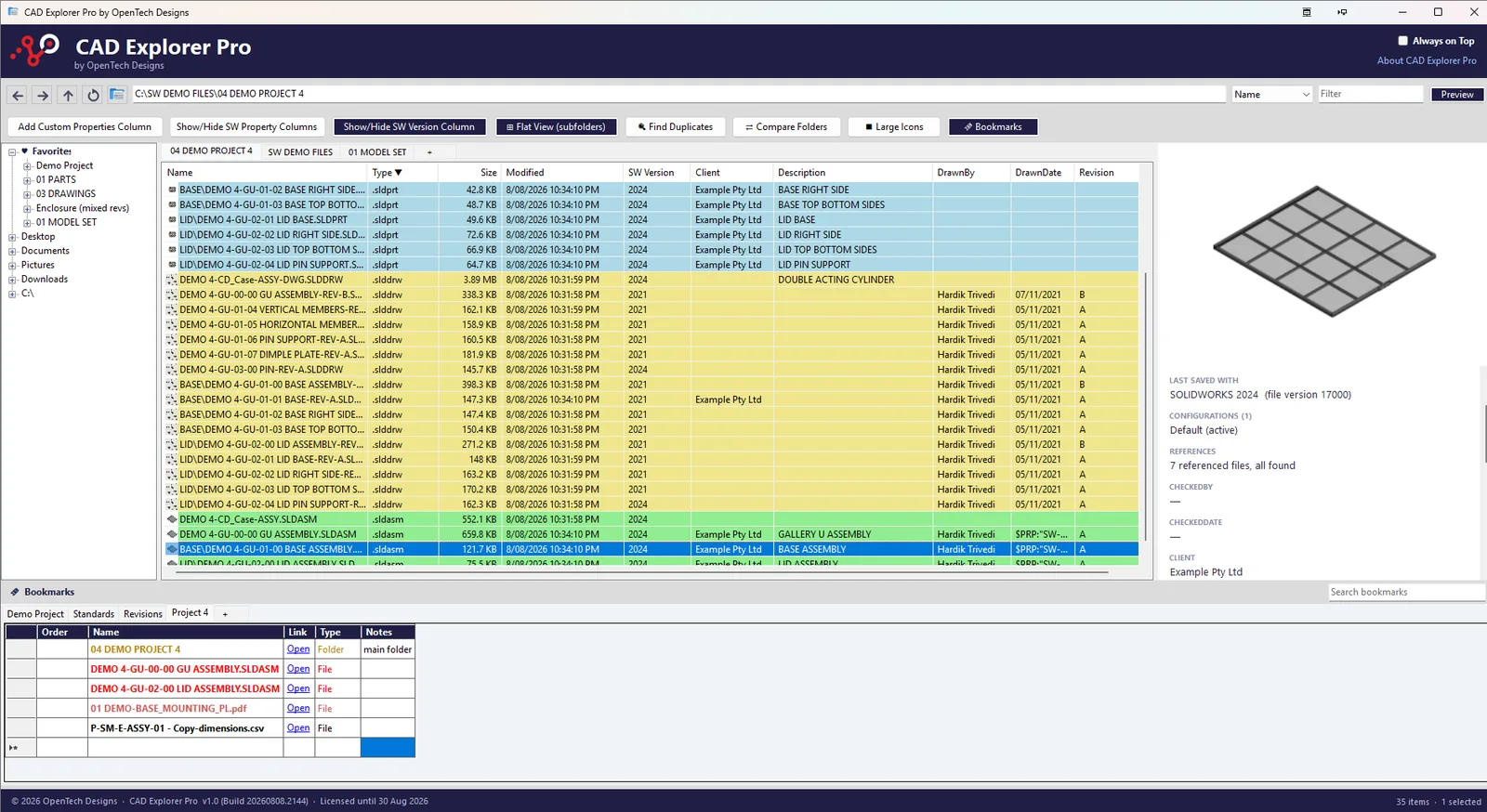
 Windows Application
CAD Explorer ProComing Soon
The file explorer built for SOLIDWORKS users
See custom properties, file versions, and colour-coded CAD files — all without opening SOLIDWORKS.
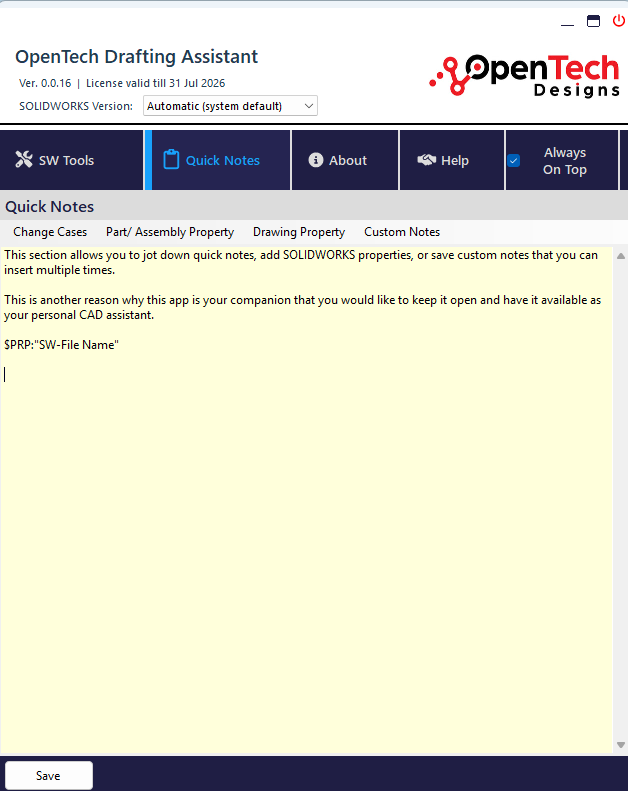
OpenTech Drafting AssistantComing Soon
Automate repetitive SOLIDWORKS drafting tasks
10 automation tools in one stand-alone Windows app. Batch run macros, replace sheet formats, export DXFs, and more.
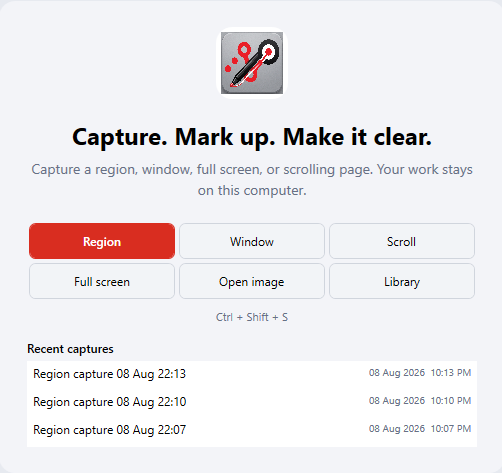
ClearMarkup
Capture, annotate & review engineering drawings
A local-first Windows app for screenshots, professional annotations, and drawing review with CAD symbols.
Not sure which product is right for you?
Get in touch and we'll help you choose the right software for your team's needs.